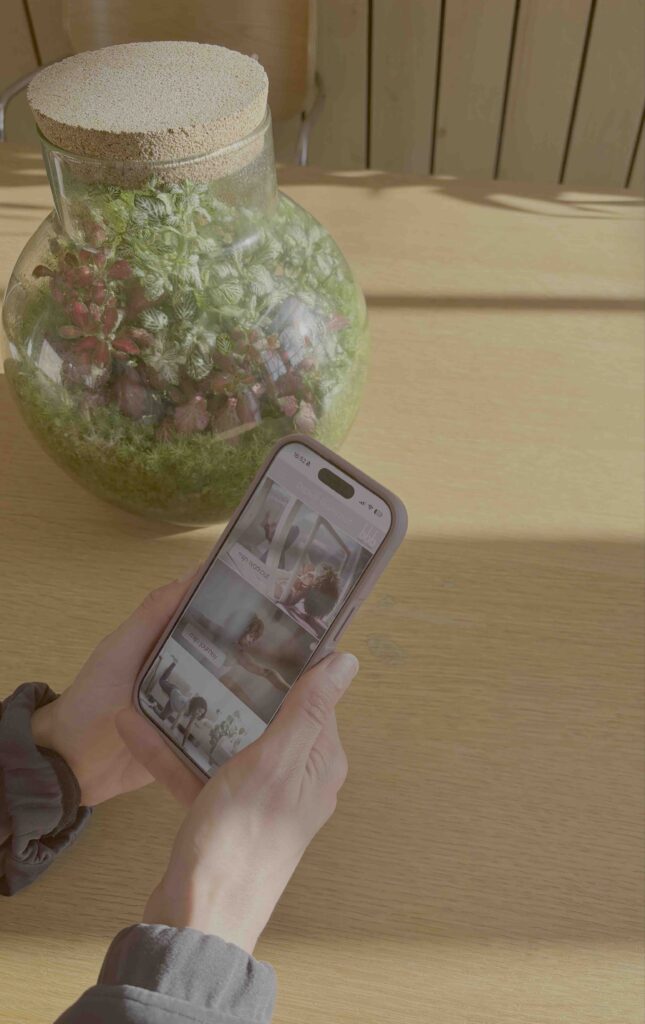
Web app for classes and coaching
Do you want to schedule classes and coaching sessions? Then install the web app. In our app, besides the schedule, you’ll find many useful features such as a digital food diary, access to the results of your lifestyle questionnaire, food & mind tools, your personal workout with videos, online workouts (StrongHer, yoga, Barre and more), our holistic challenges and delicious recipes. Everything you need for your healthy journey. The bbb health boutique app is a web app, so it’s not available through the App Store but can be accessed via a URL.
Did you attend a trial class? Or did you sign up online?
Below are the steps to activate the web app:
Step 1 – Request your password
Go to the following web address to create your new password: mijnbbb.bbbhealthboutique.nl and click the “Reset password” button.
Step 2 – Check your email
After entering and submitting your email address, you will receive an email. Use the link in this email to create your password. Didn’t receive an email? Please check your spam folder.
Step 3 – Log in to the web app
Log in with your credentials (email address and password) at mijnbbb.bbbhealthboutique.nl. After logging in, the app will open and you can start using it.
Step 4 – Add the app icon to your home screen
Once you have successfully logged in, you can add the app as an icon on your phone’s home screen by selecting “Add to Home Screen.” On most phones, you can find this option under the square icon with the arrow pointing upward.
Once the bbb icon is on your home screen, you can open the app from there. The first time you will need to log in. After that, you will stay logged in and it will work just like any other app.
Schedule a workout
You can plan your workouts, coaching & retreats one week in advance in the web app. We want to make sure everyone gets a spot. Therefore, we have a few guidelines regarding cancellations, rescheduling, and no-shows.
Good to know
- Cancel or reschedule anytime online
You can cancel or reschedule your class online at any time — even a few minutes before your class starts. You might make someone else happy with your spot. - The 4-hour cancellation rule
If you cancel your class less than 4 hours before the start of your appointment, the class will be forfeited. However, you can still reschedule your class for the same day, in which case the class will not be lost. - Waitlist
If you sign up for the waitlist, you will receive an email when a spot becomes available. You can then claim and confirm the spot in the web app.A waitlist spot only becomes a confirmed spot once you claim it. Everyone on the waitlist will automatically be notified when a place becomes available and can reserve it in the web app. The spot goes to whoever claims it first. Almost all waitlist spots eventually turn into real spots, so it’s definitely worth signing up for the waitlist.
Questions?
Using the app is quite intuitive — at least that’s the idea. If you’re having trouble or something isn’t working properly, please email info@bbbhealthboutique.nl and we’ll help you. Or take a look at our Frequently Asked Questions.